Resize Cards
You can resize the deck of cards by going to Current Deck tab of the Options form.
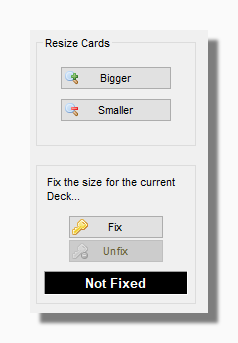
Pressing the Bigger and Smaller buttons makes the current deck bigger or smaller on the screen. Note that the default behaviour of the
program is that when you change decks the same dimensions will apply to the new deck as to the old.
If you want to always view a particular deck at a certain pixel size you can use the Fix button. Fixing the card size is still overridden in certain
circumstances, for example when you deal out a spread with a large number of
cards. The program will always resize the cards to make sure that the spread fits neatly on the screen.
Tip: You can also use the plus and minus keys on your computer keyboard to resize the cards.